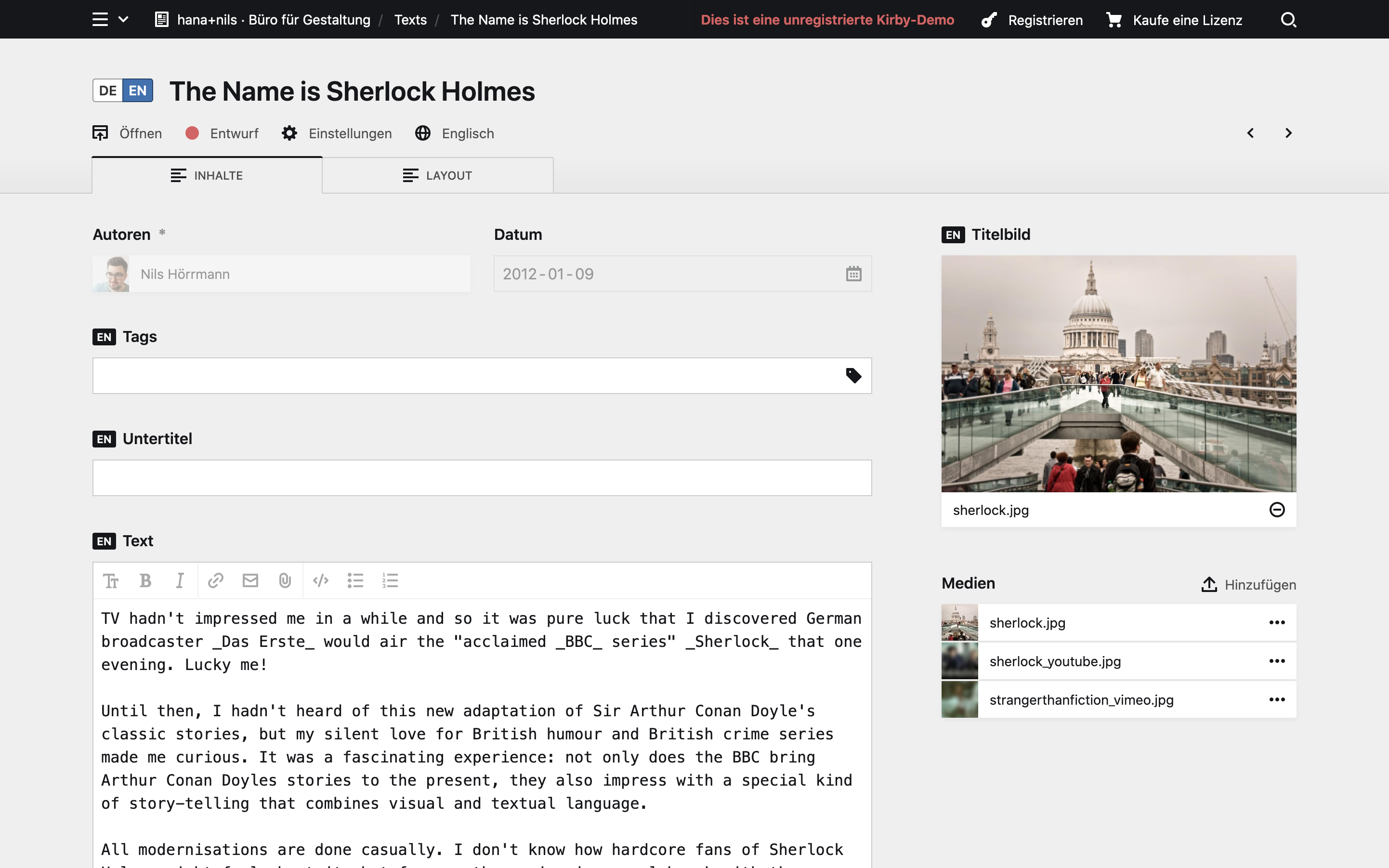
I am currently testing Kirby 3.6.0-alpha4 and have two languages defined: DE (as default) and EN (as secondary).
My account has also DE set as language. Whenever I login EN will be used in the panel by default and I always have to switch back to the main language DE.
Is this a bug of Kirby 3.6.0-alpha4 or did I forget something?
But Kirby 3.6 adds a data-language attribute to the .k-panel element, so you can use that to style the languages differently via a custom Panel stylesheet, so no need for a plugin.
When I set my user language to German, log out and back in again, the GUI language is still German.
I think the language switcher sort of remembers where you left off. If the lang switcher is set to English when I log out, it will be English again when I log back in or German when I left off with German.
Yes, the panel interface “behaves correctly” but every time I login again the content language is set to English (while the interface and main language is set to German). I would expect that the content language would also use the same logic as the panel language.
In Kirby 3.5.7.x, I think it behaves correctly. As I wrote above, when I log out and back in while in the default language version, I again end up in the default language. But when I delete all cookies and stuff, I end up in the English content language as you describe, which is different from the behavior in 3.5.7.
(Maybe limit to certain views, otherwise you get it
That’s more tricky, since you cannot add custom properties to fields that could then be used to style those fields based on those props and a page model method. Unless you overwrite each and every field and add a custom property. At least I don’t have an idea how this could otherwise be achieved.