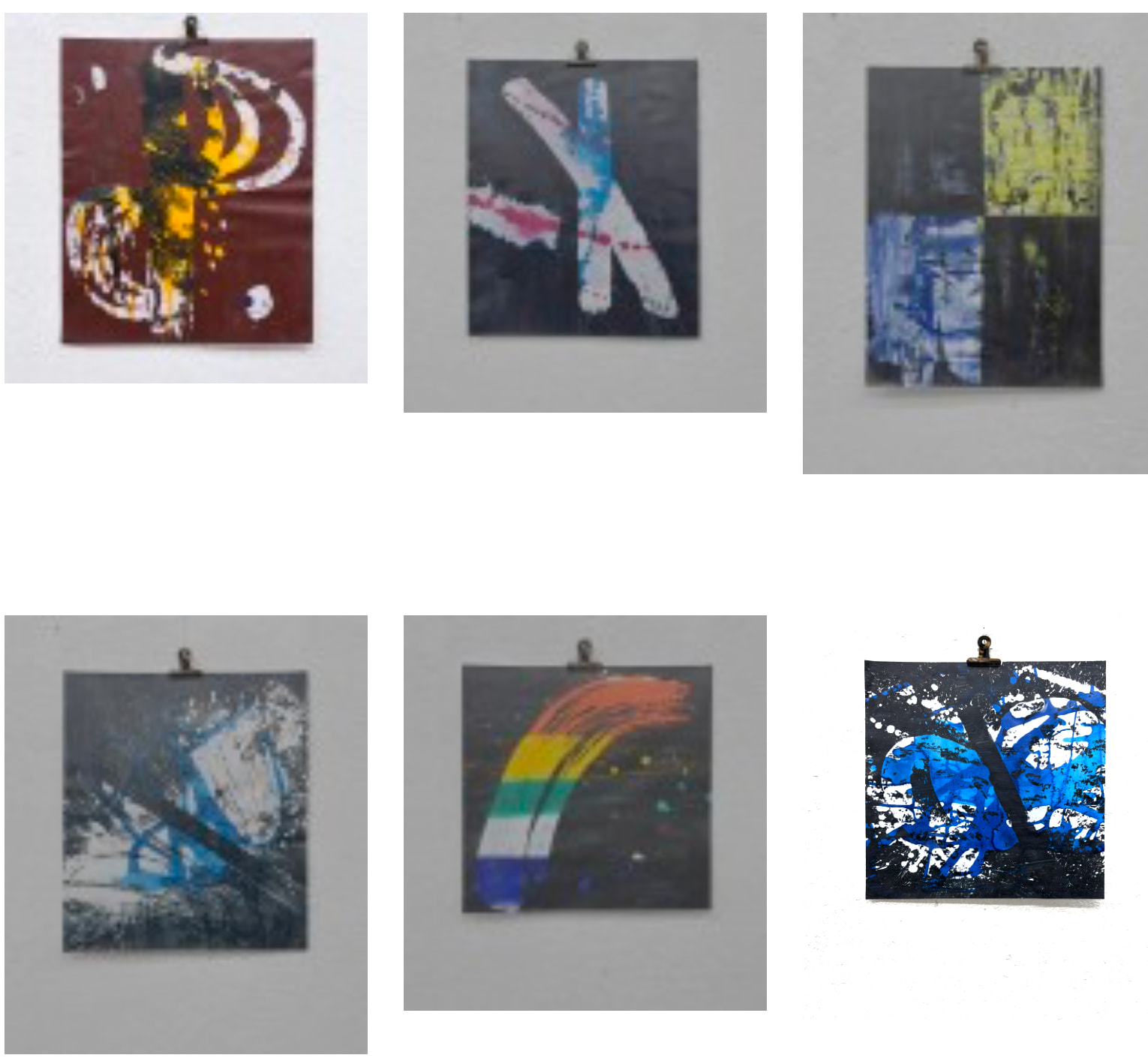
I'm having problems with JPEG images. Without scaling, everything is slow; with resize, the images become very dark.
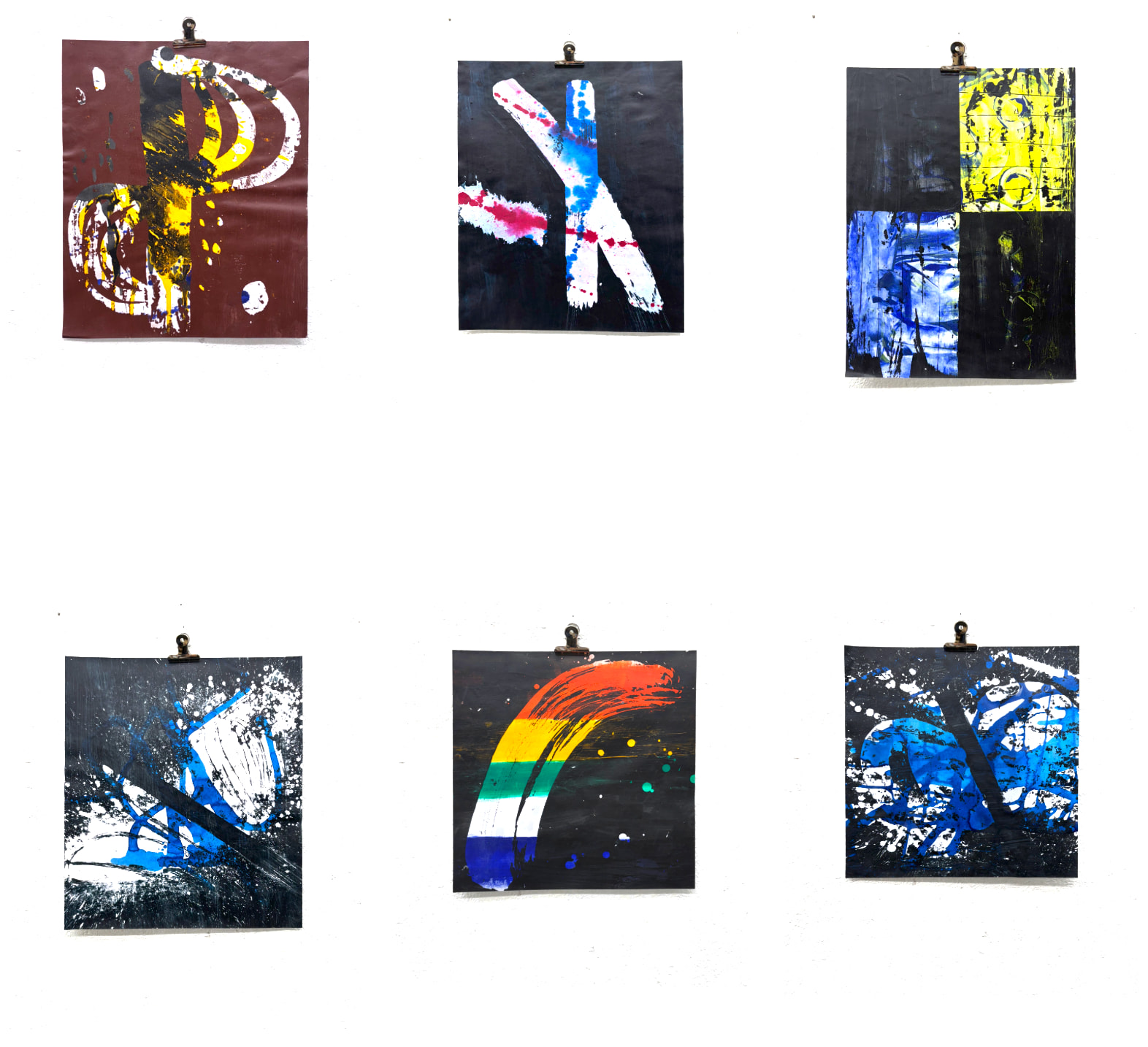
With Resize all pictures are dark. Why?
Hm, those resized images look rather blurred and what is the write frame around them. Or have your photographed the screen? Are you using the default gd driver or ImageMagick?
What default thumb settings are defined in your config if any? And please post the code you used to generate those thumbs.
This is the code with shaded jpgs.
<?php snippet('header') ?> <?php snippet('intro') ?><?= $page->beforetext()->kt() ?>
        <img src="<?= $image->resize(200,null)->url() ?>" class="img hover-shadow cursor" >
    </span>
    <figcaption class="img-caption">
  <h4><?= $image->titel() ?></h4>
      <p><?= $image->text()->kt() ?></p> <p><?= $image->jahr() ?></p>
    </figcaption>
  </figure>
</a>
<?= $page->aftertext()->kt() ?>
<?php snippet('header') ?>
<?php snippet('intro') ?>
<section class="s-text">
<div>
   <p><?= $page->beforetext()->kt() ?></p>
</div>
</section>
<section class="s-grid">
<ol class="grid" style="--gutter: 1.5rem">
  <?php foreach ($werke = $pages->images()->paginate(12) as $image): ?>
  <li class="column" style="--columns: 3">
    <a href="" onclick="openModal('<?= $image->resize(800,null)->url() ?>','<?= rawurlencode($image->titel()) ?>','<?= rawurlencode($image->text()->kt()) ?>','<?= rawurlencode($image->jahr()) ?>');return(false);">
     <figure>
        <span class="img" style="--w:4">

            <img src="<?= $image->resize(200,null)->url() ?>" class="img hover-shadow cursor" >
        </span>
        <figcaption class="img-caption">
	  <h4><?= $image->titel() ?></h4>
          <p><?= $image->text()->kt() ?></p> <p><?= $image->jahr() ?></p>
        </figcaption>
      </figure>
    </a>
  </li >
  <?php endforeach ?>
</ol>
<?php if ($werke->pagination()->hasPages()): ?>
  <nav class="paginate">
  <?php if ($werke->pagination()->hasPrevPage()): ?>
  <a class="prev" href="<?= $werke->pagination()->prevPageURL() ?>"><</a>
  <?php endif ?>
  <?php foreach ( $werke->pagination()->range() as $p): ?>
    <a <?php $p == $werke->pagination()->page() ? print 'class="current" ' : print "" ?> href="<?= $werke->pagination()->pageURL($p) ?>"><?= $p ?></a>
  <?php endforeach ?>
  <?php if ($werke->pagination()->hasNextPage()): ?>
    <a class="next" href="<?= $werke->pagination()->nextPageURL() ?>">></a>
  <?php endif ?>
  </nav>
<?php endif ?>
</section>
<section class="s-text">
<div>
   <p><?= $page->aftertext()->kt() ?></p>
</div>
</section>
<?php snippet('modal') ?>
<?php snippet('footer') ?>
What about my questions?
Sorry!
1.) Hm, those resized images look rather blurred and what is the write frame around them. Or have your photographed the screen? I use original Fotos of art. The picture is taken by me self. Paperwork on a white board.
2.) Are you using the default gd driver or ImageMagick?
I did not know ImageMagick and use the default, as show in the listing:
With the resize operator the picture is dark. Without It is clear.
Where is a setting? What setting? I use the original kirby 5 kernel. The code is posted.
Thanks
In your site/config/config.php.
What is the size of your original images? They are probably quite huge?
They are about 5 to 10 MB.
foto size does npt matter. I have just tested with an smaler one.
I have also converted all pictures to jpg. No effect.
What is the color space of the original images?
And which version of gd are you using (check phpinfo())
5-10 MB as input is far too large, anyway.
ImageMagick would be a better option on your server.
Could you please show my in an example what to do with imageMagick?
It would help if you answer my questions, otherwise we don’t really get anywhere.
Regarding ImageMagick, you need to check if it is available on your hosting, otherwise you cannot use it.